Tabs & Views
To-day tab
The to-day tab contains the Today, past-day, and Tomorrow views. Use the title arrows to switch between them.
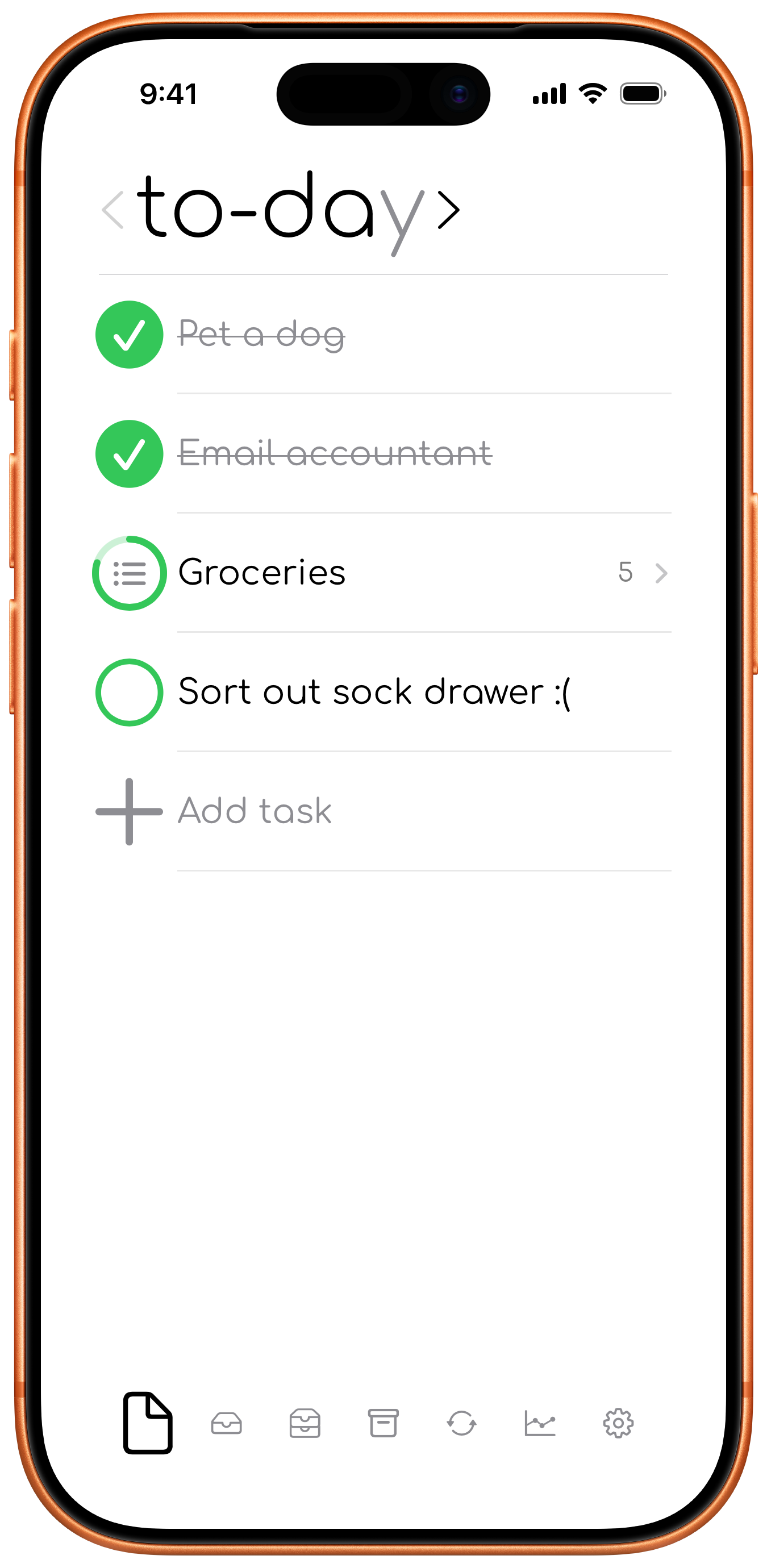
To-day view
The to-day view contains tasks planned for the current day.
Tomorrow view
The tomorrow view lets you plan the next day while keeping those tasks separate from the Today view.
Past-day views
Use the left title arrow to review Yesterday, 2 days ago, and earlier-day views. Older views may limit actions that would change historical completion information.
This week tab
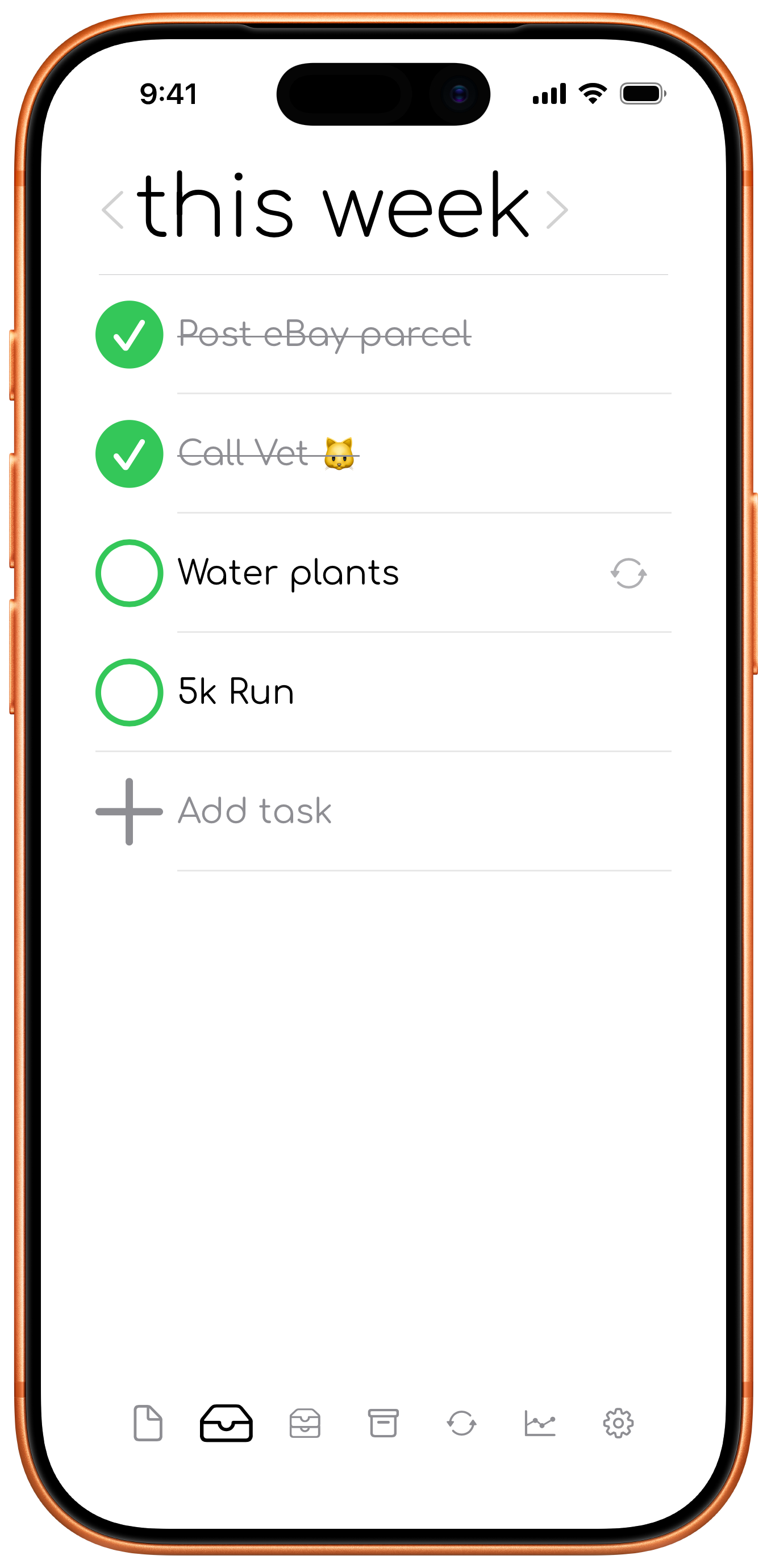
The this week tab contains the this Week, last Week, and earlier-week views. The This Week view is for tasks you intend to handle during the current week.
This month tab
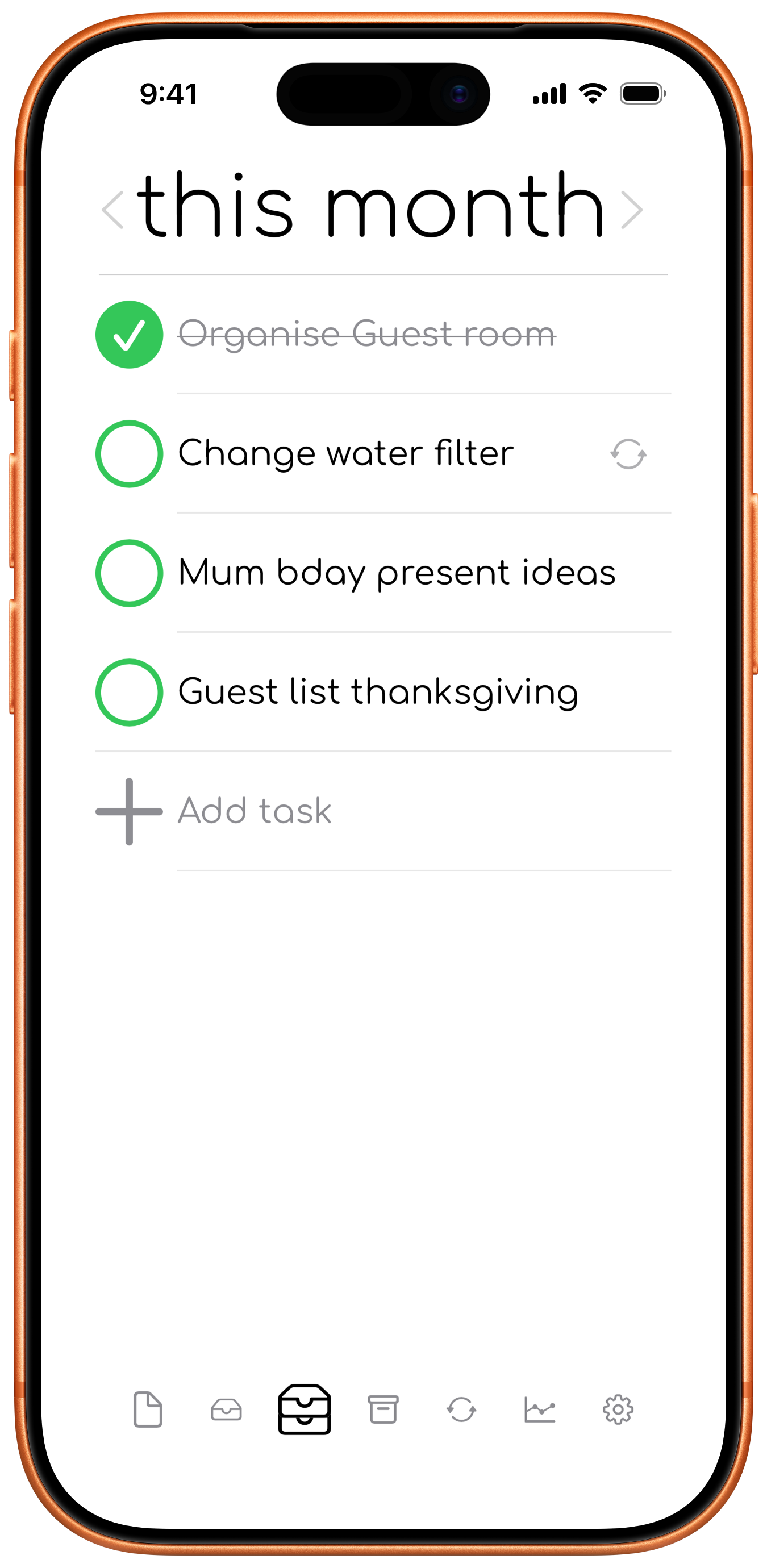
The this month tab contains the this Month, last Month, and earlier-month views. The This Month view is for tasks that matter during the current month but do not yet belong in the Today or This Week views.
One day tab
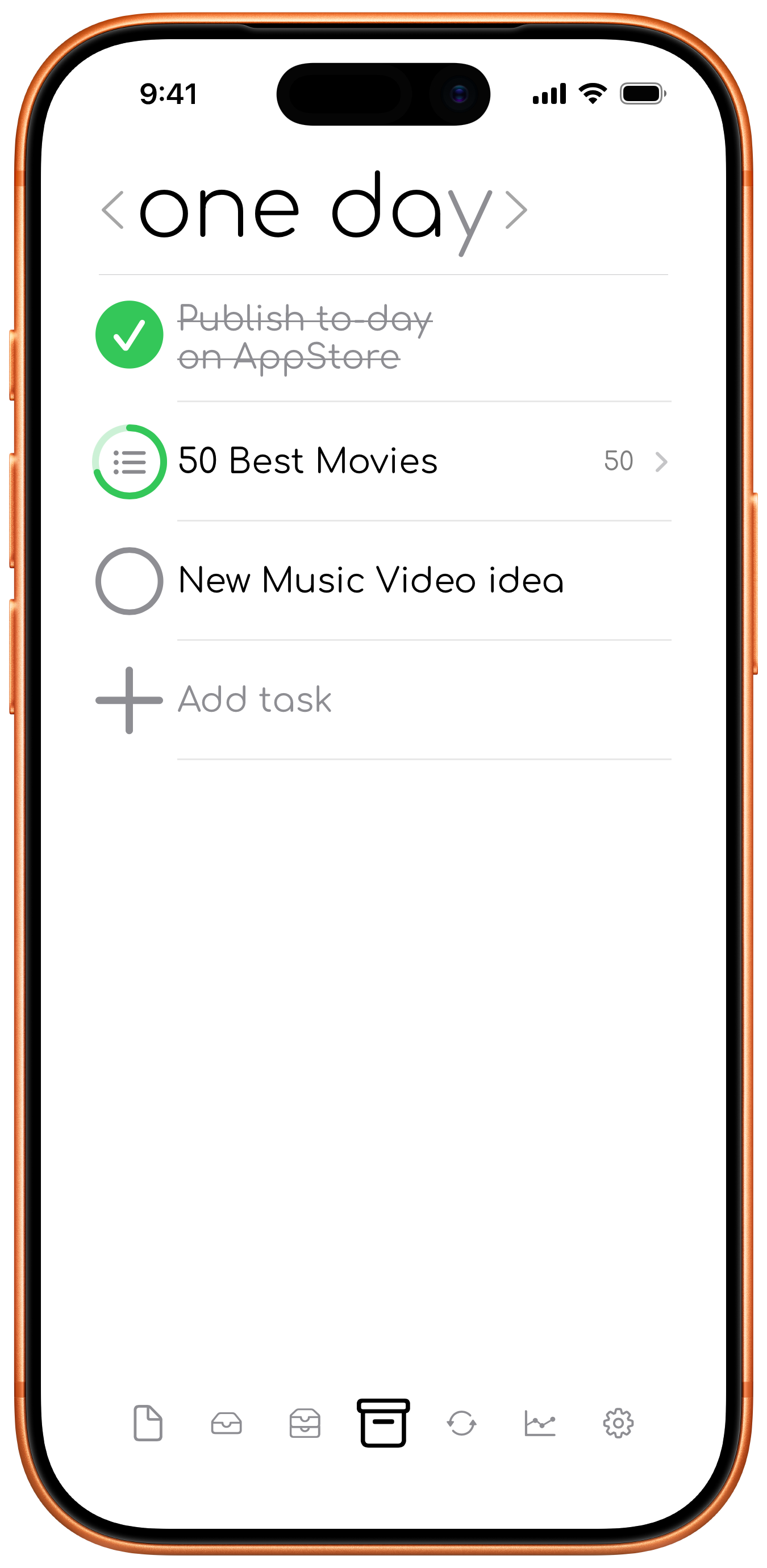
The one day tab is for tasks you want to keep without committing them to the current day, week, or month.
Recurring tab
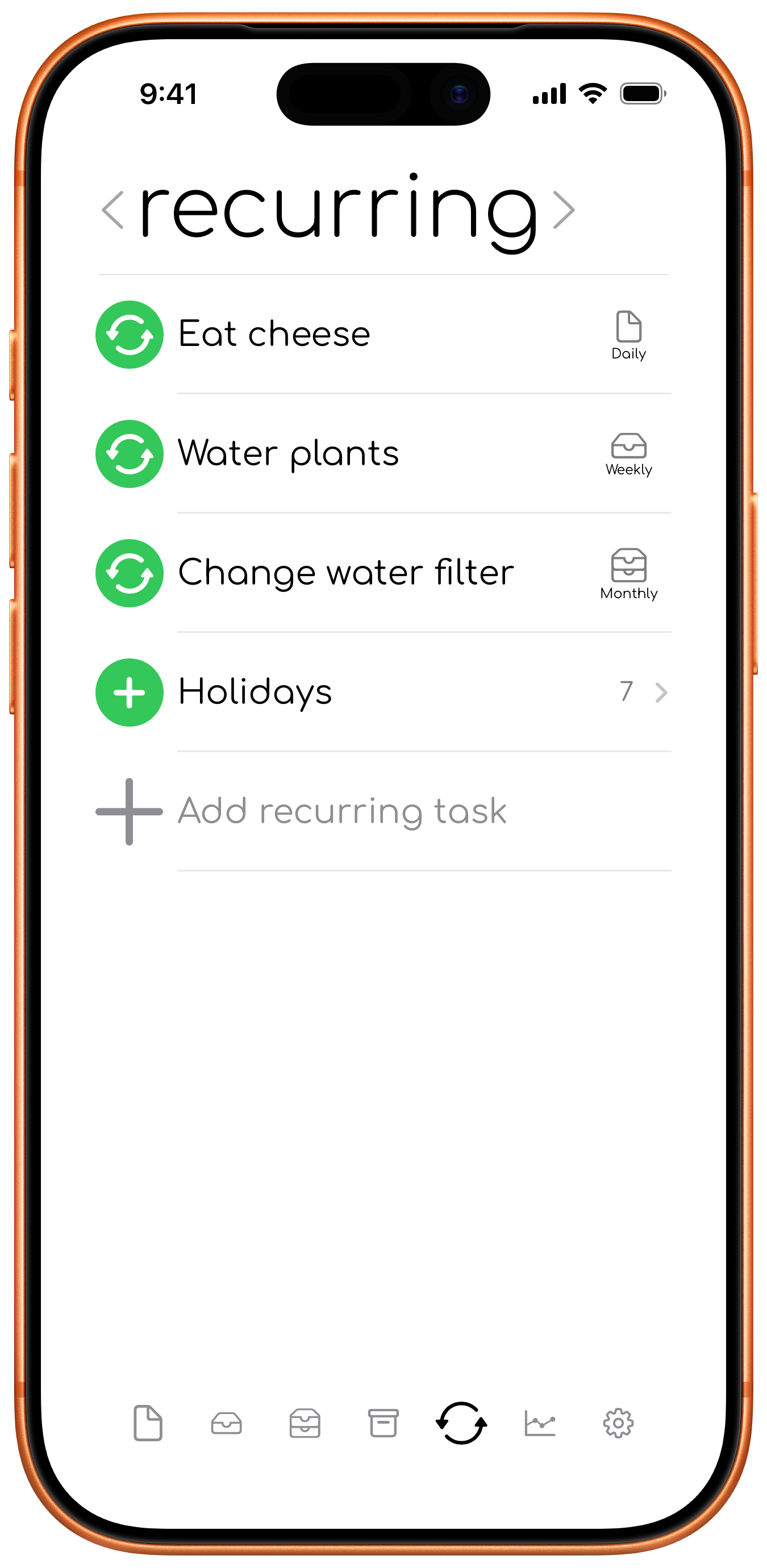
The recurring tab contains repeating tasks and Someday presets. Daily, weekly, and monthly tasks can create tasks in the matching planning tab. Someday presets create a task only when you choose to add one.
Statistics tab
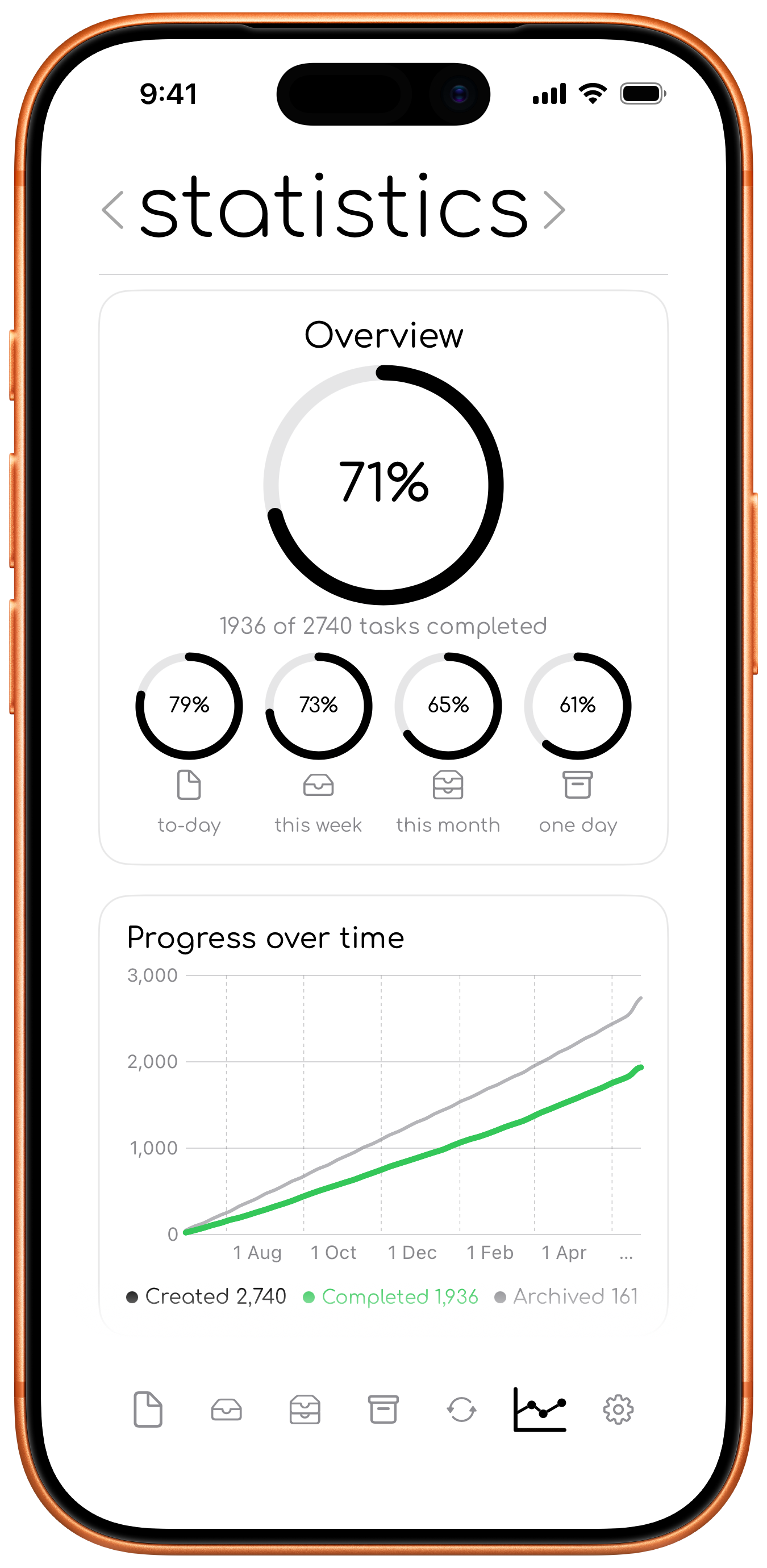
The statistics tab shows completion summaries, graphs, timing information, planning insights, and recurring-task progress.
Statistics should feel helpful, not stressful.
If they are not useful to you, you can hide them from the settings sheet. You will not lose any data, and you can turn them back on whenever you feel like it.
Settings
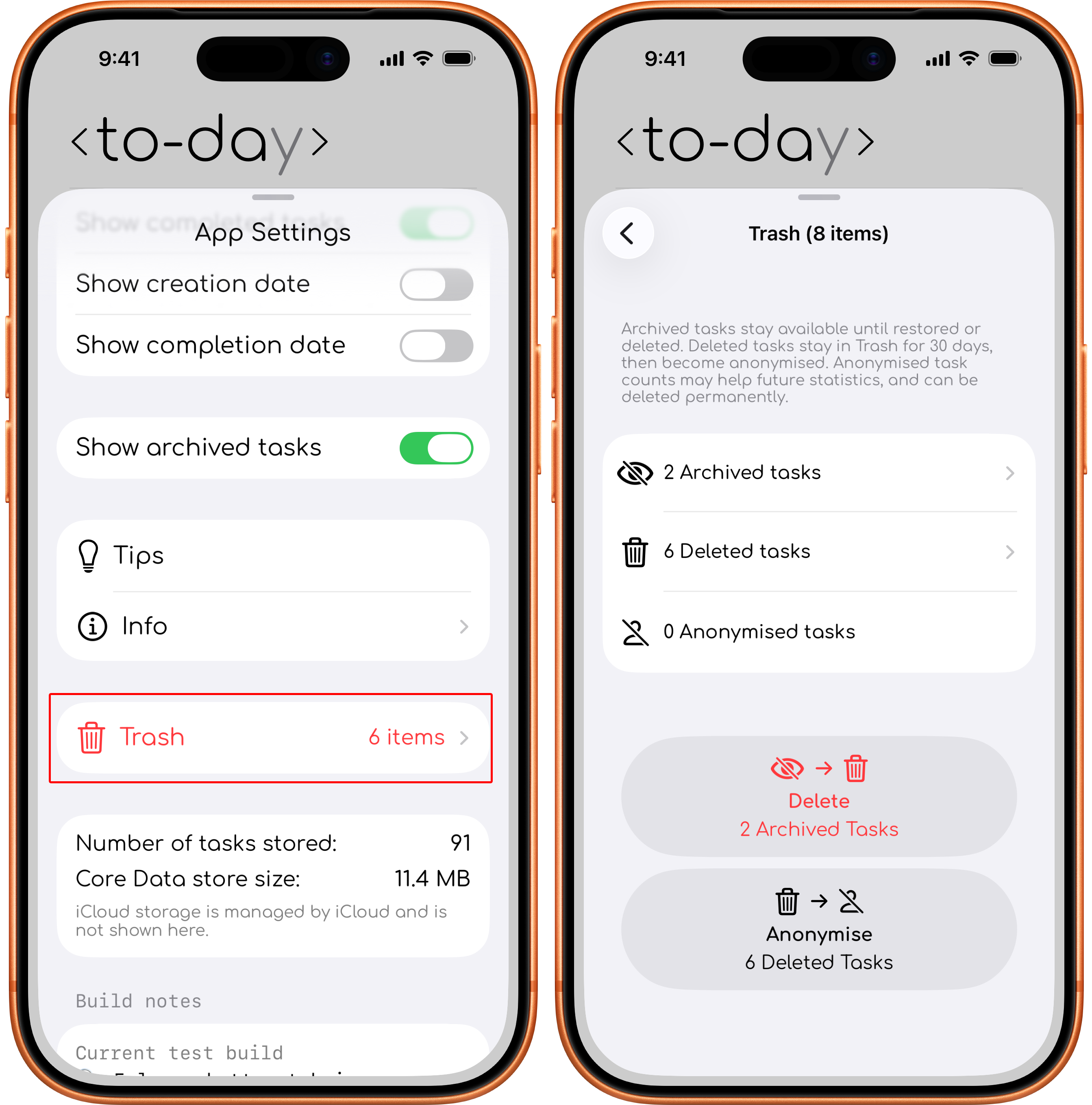
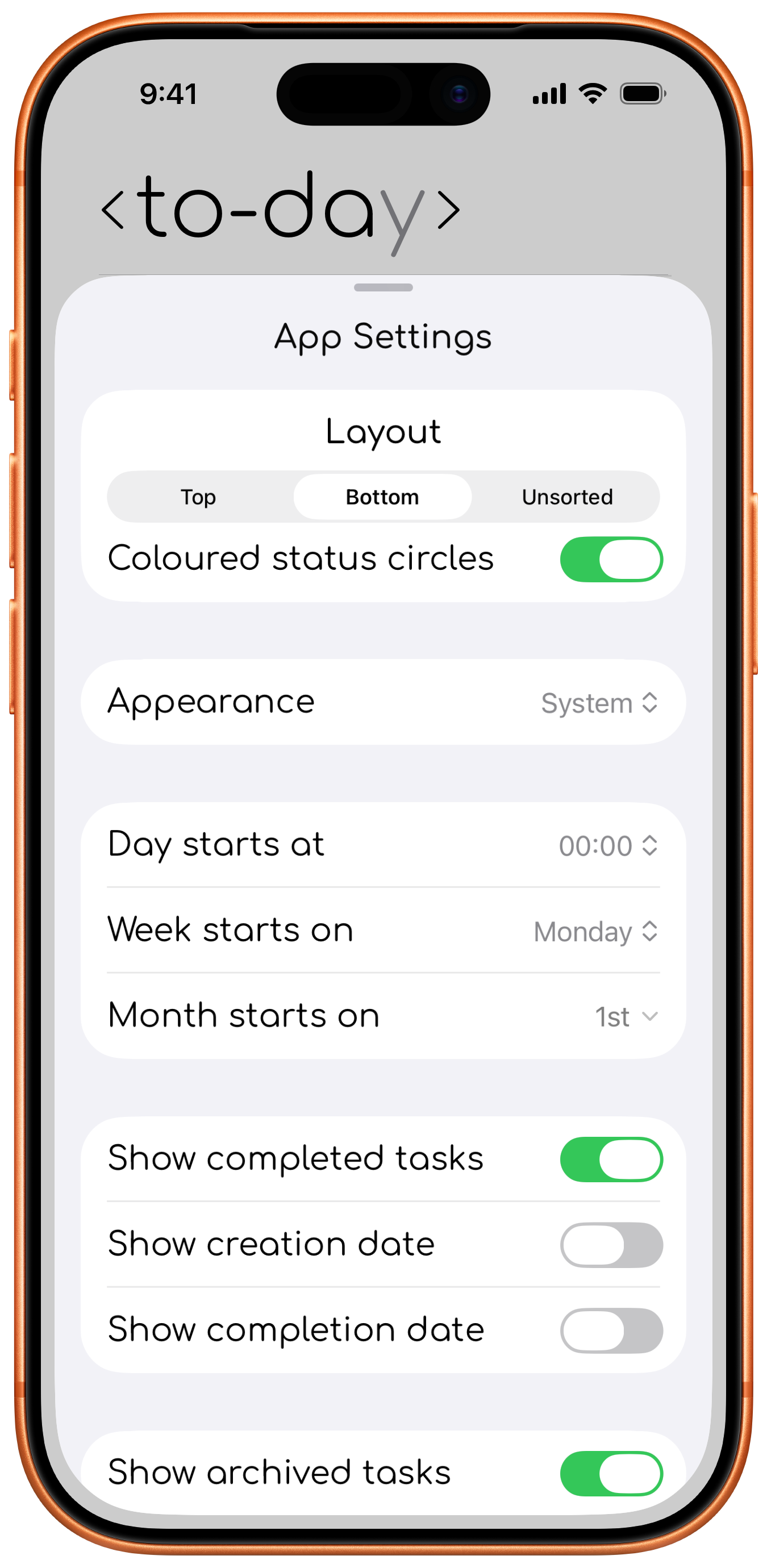
The Settings sheet controls task layout, date boundaries, visibility options, and access to Tips, app information, storage summaries, and Trash.
Trash view and archived tasks
Open Settings > Trash to open the Trash sheet. It contains archived tasks and recently deleted tasks. Archived tasks remain available until restored or deleted. Deleted tasks can be restored for 30 days.