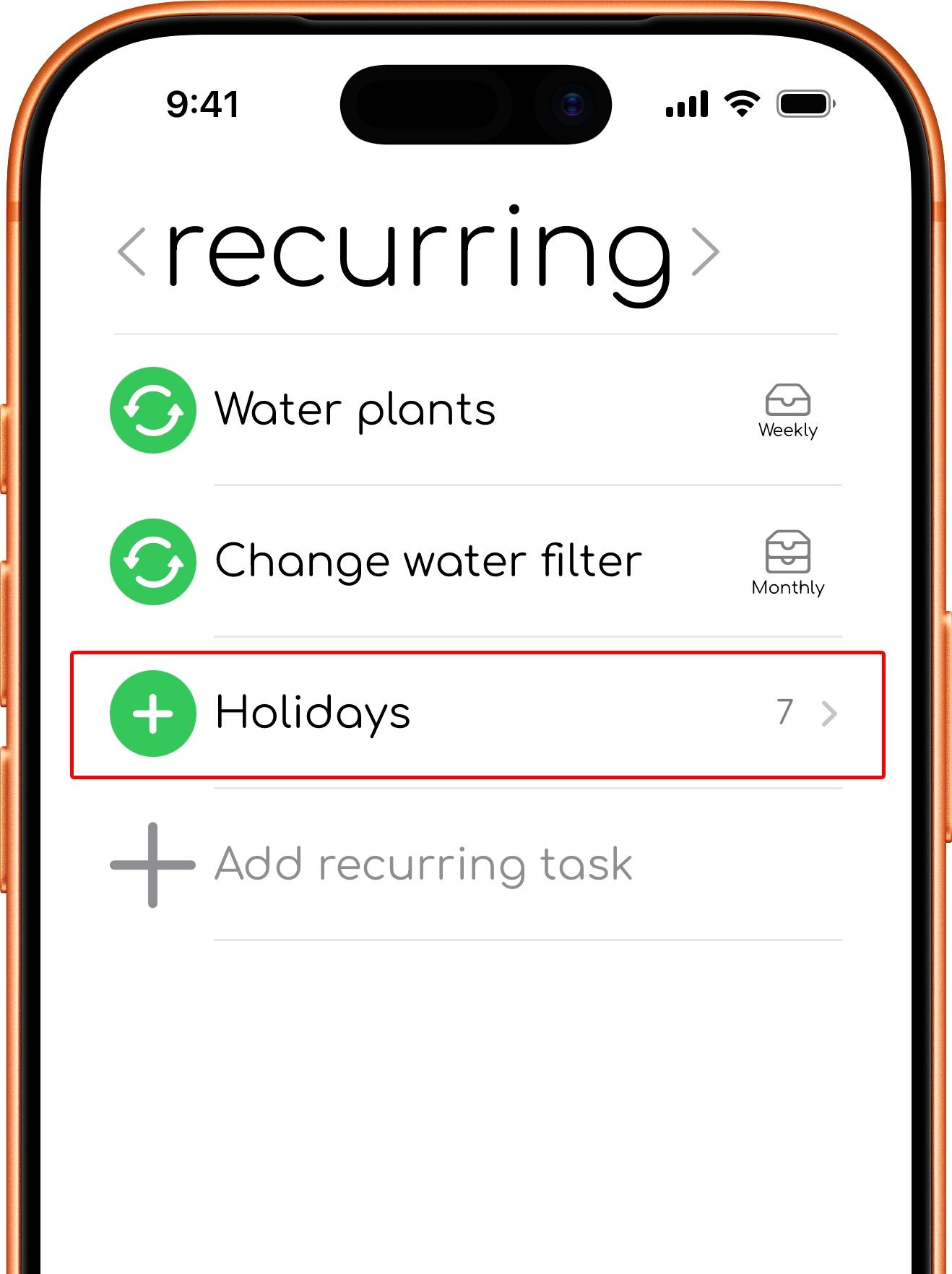
Recurring Tasks
Recurring tasks help with tasks that repeats. Create and manage them in the recurring tab.
Frequencies
To-day supports:
- Daily, which creates tasks in the Today and Tomorrow view of the to-day tab.
- Weekly, which creates tasks in the This Week view of the this week tab.
- Monthly, which creates tasks in the This Month view of the this month tab.
- Someday, which acts as a reusable preset for tasks you create when needed.
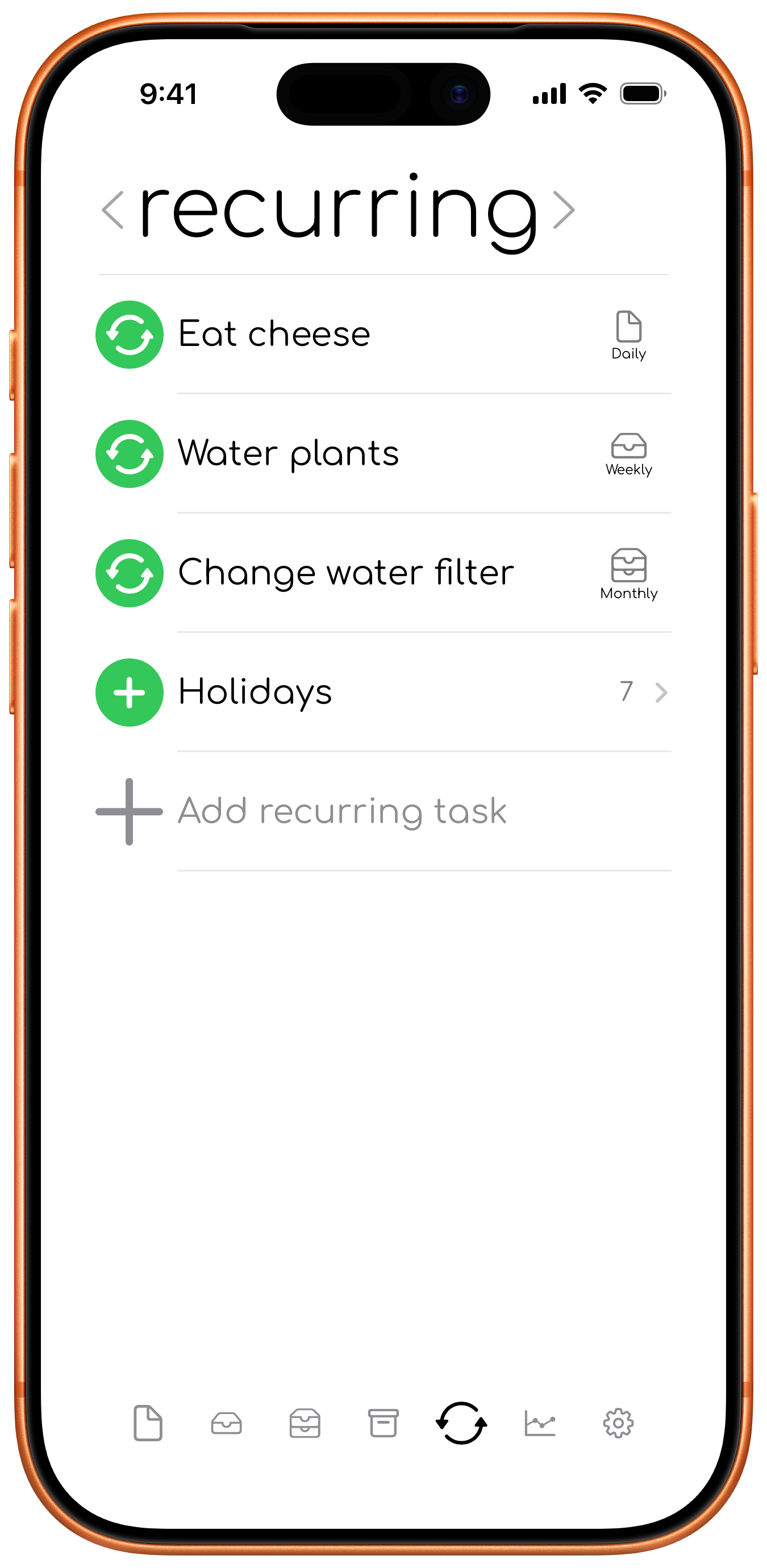
Editing a recurring task updates the tasks generated from it. Changes to the title, notes, or timing are passed on to linked generated tasks.
If a generated task has already been edited individually, To-day keeps that task’s custom change.
Active and inactive
An enabled recurring task continues creating its scheduled tasks. Disable it to pause new generated tasks without deleting the recurring task.
You can enable or disable a recurring task by taping its icon or by swiping right.
Generated tasks
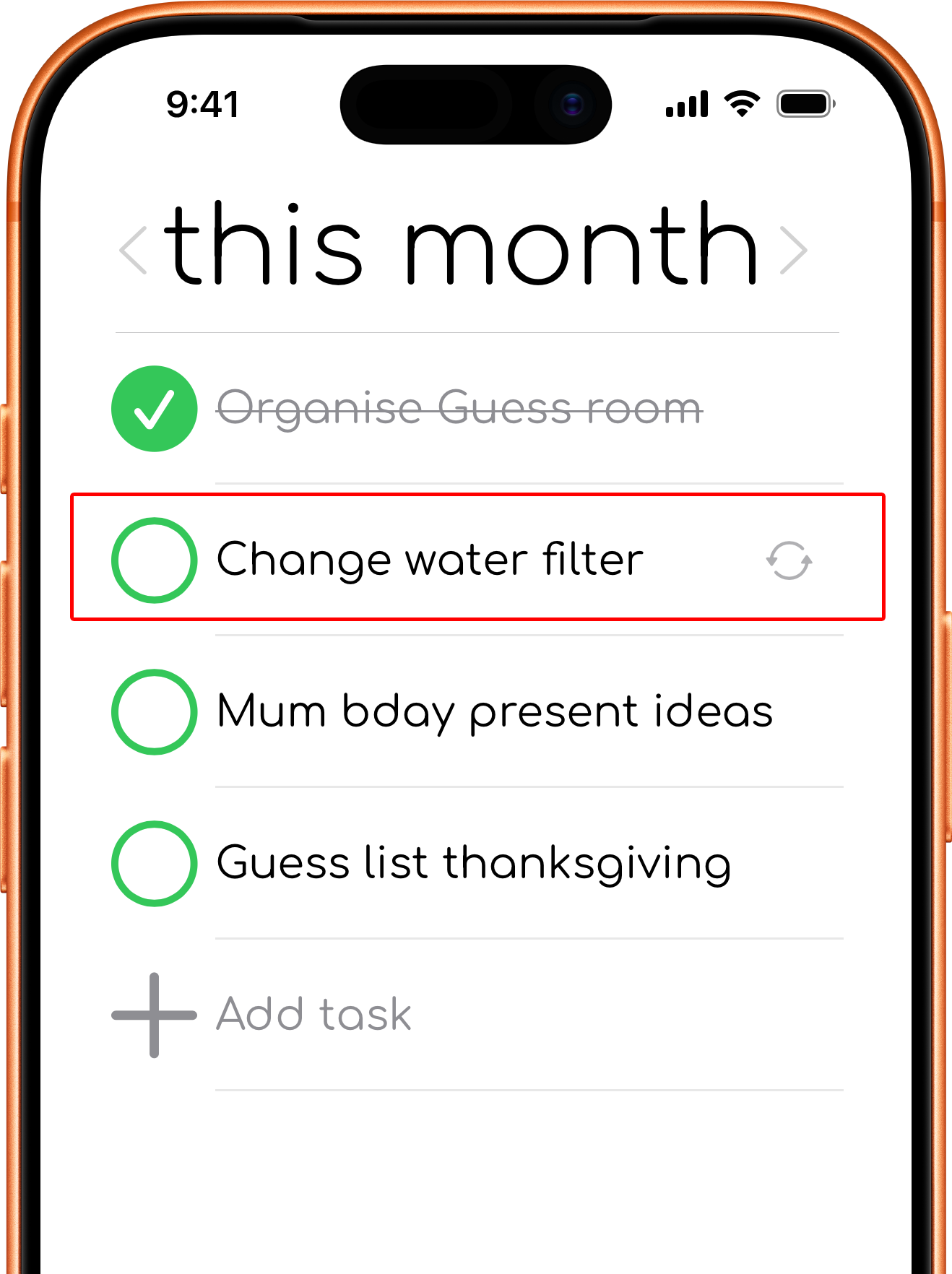
A generated task appears in the appropriate planning tab and view. Treat it like a normal task: complete it, move it, archive it, or edit it.
Editing a generated task can make that occurrence different from its recurring task. For example, you can rename one generated task without changing every future occurrence.
Someday
Setting a recurring task to someday doesn't create tasks automatically. Tap the add action on a task or group of task to create a task in the to-day, tomorrow, this week, this month, or one day tab.